Computer Network Training
Learn Computer Network Training to Unleash a Modern Career
Average Rating 5.0 From 824 Students
About Course
Computer Network Training at SM consultant will help students to start their career in networking. The constant development in the BPO’s, Telecom Industry, banking sectors and in other industries has created a great demand for the networking professionals. There is great demand for the experienced and professional networking engineers. This Network Fundamental Course is a comprehensive training course that brings topics to life through the use of demonstrations, animations, and configurations, making learning these fundamental networking topics easy and fun. Our Computer Networking course is designed by professional networking engineers who do have really vast experience in the field of computer networking. This course address es Local Area Networks (LANs), network definition using the OSI model, wired and wireless networks, Internet Protocol (IP), TCP/IP in the command line, networking services, wide area networks (WANs), and much more.
Reasons to choose SM Consultant
 Mock
MockInterviews
 Focused
Learning
 Practical
Training
 Easy
EasyPayments
 Lifetime
Access
 Expert
Trainers
 Shareable
Certificate
 Flexible
Timings
Upcoming Batch Schedule for Computer Network Training
No Timing Suitable for You ?
Tell Us Your Preferred Starting Date, we will schedule a batch for You!
Take Computer Network Training at your own pace
Self Paced Online Learning
The Self Paced format allows you to stream the course content from anywhere across the globe with a good Internet connection. There is no defined schedule, you can watch them at your comfortable time. Get Started.
Watch Free Computer Network Training videos before signing up.
Instructor Led Live Training
We deliver Instructor-led online course via your personal computer through an easy-to-use web conferencing tool that allows for real-time interaction between you and the trainer. Get Expert guidance tailored for you.
Join Free Computer Network Training demo session before signing up.
Computer Network Training Course Content
1.Introduction to Networking and its Different Types
- Understanding Local Area Network (LAN)
- Understanding Wide Area Networks (WAN)
- Understanding Global Area Networks (GAN)
- Understanding Metropolitan Area Network (MAN)
2.Overview of Network Topology
- Tree
- Star
- Mesh
- Hybrid
- Bus
- Broadband
- OSI and DOD Model
- Ring
3.Understanding Types of Protocol
- TCP/IP
- UDP
- NetBEUI
- IPS and SPX
- Apple- Talk
4.Different Types of WAN Connectivity
- Circuit and Packet Switching
- Lease Line
- Lease line Point to Point
- Internet and ISP Services
- Voice Connectivity
- Metro Ethernet
- MPLS
- VPN
- Frame Relay
- GPRS
- Video Conferencing
- Bridge Calling
- Hosting
- Media Converters (E1 to V.35, E1 to Ethernet, V.35 to Ethernet, Fiber to Ethernet)
5.Different Media Types
- Fiber
- Copper
- Wireless
6.Active & Passive Components of Networking
- Difference between Unshielded and Shielded Twisted Pair
- Different Cables including Fiber Optic and Coaxial
- Rack
- Transceivers
- Network Interface Cards
- Switches and Routers
- Repeaters
- Brides (LAN Extender)
- Firewalls
- MUX
- Modems
7.Different Networking Services
- DHCP
- DNS
- SMTP
- FTP
- POP
- HTTP and HTTPS
- IMAP
- SNMP
8.Different Technologies in Networking
- Ethernet
- XDSL
- 25
- DS1, 2 and 3
- E1, 2 and 3
- DS0
- OC1, STM 1, 4, 16, 48, 64, 192, 256
- GSM and CDMA
- ISDN
- ATM
- Broadband and Baseband
- Triband
9.Understanding the Addressing in Networking
- The Numbering System
- Converting the Binary to Decimal
- Converting Decimal to Binary
- Understanding IP Address (Logical Addressing)
- Understanding the MAC Address (Physical Adressing)
- Role of Subnet Mask
- Understanding the role of Gateway
- How Host Address Work?
- Wild Mask
- Classification of IP Address
10.Understanding Firewall
- Overview of Firewall
- How to Install and Configure Firewall
- Filtering Port
11.Redistribution and Load Balancing
- OSPF to EIGRP
- EIGRP to OSPF
- RIP to EIGRP
- RIP to OSPF
- EIGRP, OSPF.RIP to static
- Using Static
- Using OSPF
- Using EIGRP
- Using MLPP
12.Types of Corporate Networking Setup
- Setting up Routers, Switches, LL Modem, LAN Extenders, Media Converters, and other related Equipment
- Point to Multipoint RIP
- Point to Multipoint OSPF
- Point to point Static
- Point to Point and Point to Multipoint Link
- Point to Multipoint EIGRP
13.NAT and Tunnel
- Dynamic
- Static
- Overload
- IP VPN
- GRE
14.Understanding Different Servers
- SYSLOG Servers and its Configuration
- SNMP Servers and its Configuration
- MRTG and its Configuration
15.Troubleshooting
- LAN and WAN Troubleshooting
- Firewall Troubleshooting
Need Customized Course Content?
We will customize the Computer Network Training course content according to your job requirements.
Certification
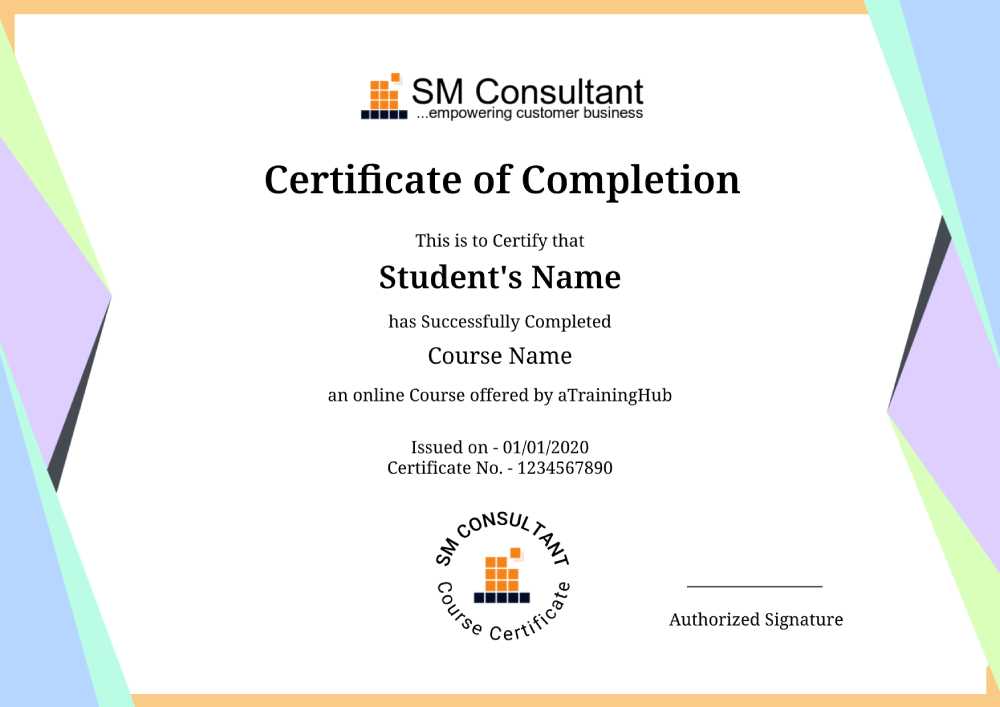
Once you are successfully through the project, you will be awarded an SM Consultant’s Computer Network Training Completion Certificate for the course.
SM Consultant’s certification has industry recognition, and we are the preferred training partner for many organizations.
 SM Consultant’s Certificate Holders work at 100s of companies
Frequently Asked Questions About Computer Network Training
1. When will I receive my joining instructions for Computer Network Training?
Joining instructions for Computer Network Training is sent two days prior to the course start date, or immediately if the booking is confirmed within this timeframe.
2. How are you better than the other classes? Past achievements?
As they say, “History speaks for itself”, the past achievements would give you a good picture of our reputation, and would also tell you what extra efforts we put in to achieve it.
3. Do you offer a Computer Network Training Demo or Trial class before joining?
We offer 1 demo classes to students. Just make sure that you select the subject and time of the class so that you get an independent assessment of the quality of teaching and you can take an informed decision.
4. What’s the batch size? Will I get personal attention?
An average batch size could be min. 4-5 and max. 8-10 but irrespective of the batch size you will get personal attention and our trainers will help you understand the technology.
5. What if I am not able to attend or miss a session?
If you are unable to attend your session we will help you understand the session by sharing the recording of the live session and still if you need more assistance, we will arrange a backup session for you.
6. Can I access the Computer Network Training course material after training?
Yes, you will get the material in pdf format and will have access to the Computer Network Training recordings.
Have More Questions?
Do let us know if you need more information we will be happy to help you!
Trusted By Companies of All Size